
GTA 6 Save Game Greyed Out? How to Save Manually

If Save Game is greyed out in GTA 6, nothing is broken. A launch-day video shows that the option is switched off while a mission is running, and comes back the moment you are in free roam. This post pulls together what the footage shows. Nobody on our team plays the game, so it carries the Reported badge, and we found no save-system explainer from Rockstar that we could reach.
The main source is a 101-second video by GosuNoob, uploaded on 19 November. We watched it end to end. A second launch-week guide, from the shop Skycoach, agrees on the numbers that matter.
The menu path to a manual save
In free roam, open the pause menu with Options on PS5 or Menu on Xbox Series X|S. The left-hand list reads Map, Game, Store, Help, Photo Studio and Settings. Pick Game, then Save Game. The video is played on a PlayStation, so the button prompts it shows are PlayStation ones.
The save screen lists your existing saves and, below them, empty slots. A counter in the bottom-left corner reads "1 / 15", "7 / 15" and so on as you scroll. That is the 15 manual slots Skycoach also names. On a filled slot the prompts offer Delete and Overwrite. On an empty slot the only choice is Save.
Pick an empty slot if you want to keep an older save. Overwrite replaces whatever sits in that slot.
Why Save Game is greyed out
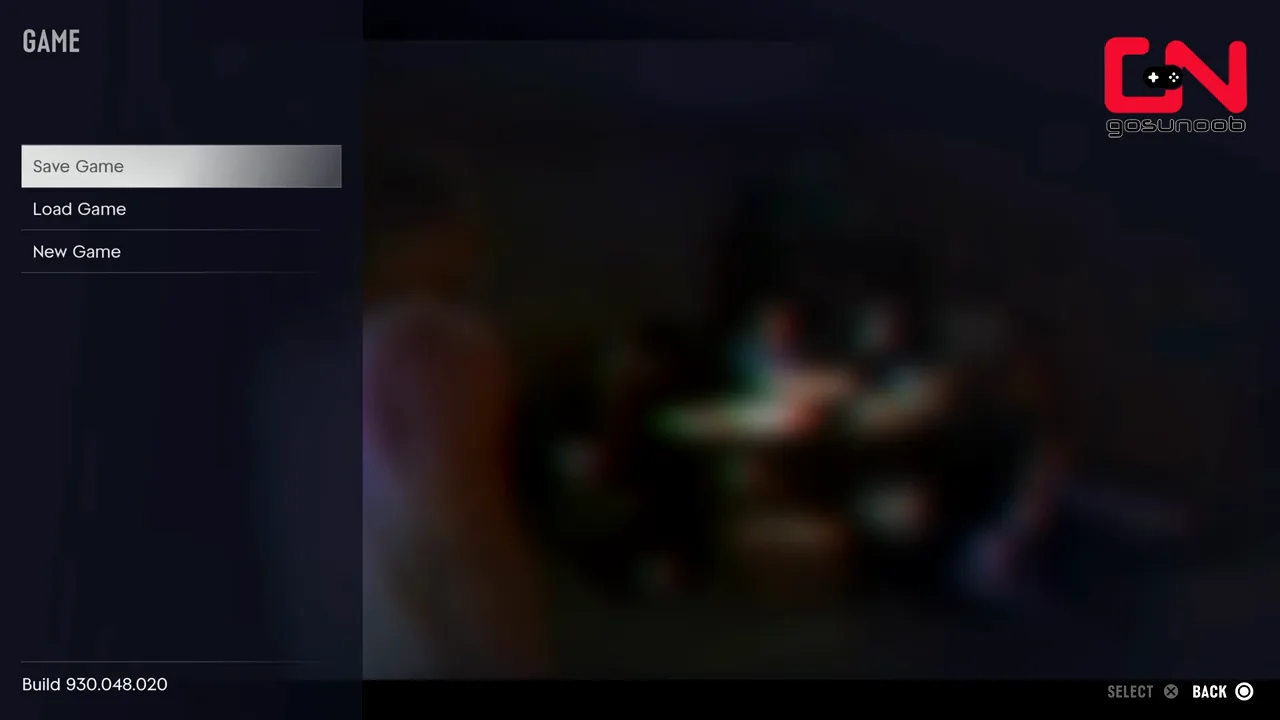
In the video, the narrator opens the pause menu in the middle of a story mission. In the Game menu, Save Game is dimmed, and the Select prompt at the bottom of the screen is dimmed with it. He says the same happens in side missions. Skycoach says the same in its own words: manual saves are not allowed during missions, and the game handles saving through autosaves there.
While a mission is active, the pause screen shows three mission options on the right instead: Retry Checkpoint, Restart Mission and Quit Mission. The video describes Retry Checkpoint as the way back to the mission's own autosave point.
So the rule, as far as two sources show it, is simple. No manual saves while a mission is live. Manual saves work in the open world, before a mission starts and after it ends.
Two ways to get Save Game back
Finish the mission. This is the safe option. Once you are back in free roam, Save Game is selectable again.
Quit the mission. The video's other route: choose Quit Mission in the pause screen. A full-screen prompt asks "Quit Mission?" and warns that unsaved progress will be lost. Confirm with Yes and you land outside in free roam, where Save Game works again.
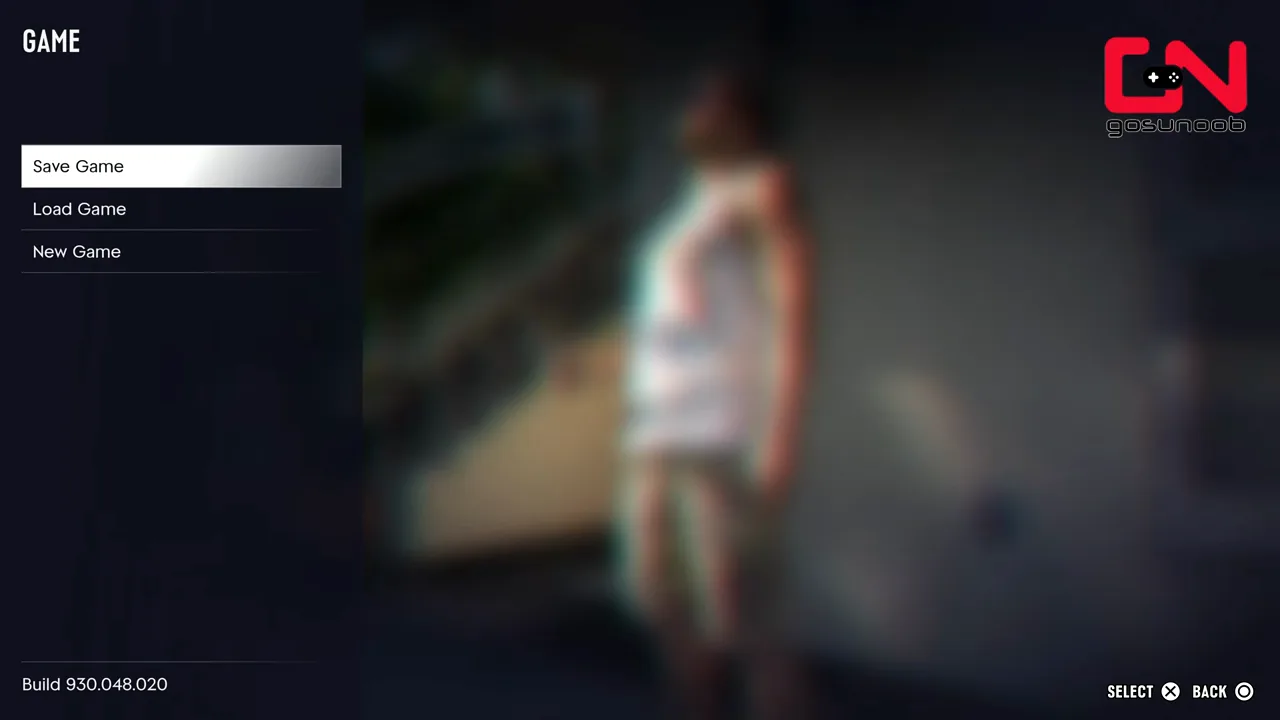
Be careful with the second route. The video shows the warning, then moves straight on to saving. It does not show what happens to the mission afterwards: whether you start it again from the beginning, from a checkpoint or somewhere else. If you quit only to make a save, you may be giving up progress you wanted. Wait for the mission to end when you can.
What the autosave looks like
The same video opens the Load Game screen and shows one entry at the top of the list marked "(AUTOSAVE)", sitting above the manual saves. That matches the idea of one dedicated autosave next to the 15 manual slots.
What the footage does not settle is how the two interact. The guides we read disagree. Some say the autosave sits in its own slot and manual saves never touch it. Others warn that loading an older manual save also replaces the autosave. The video does not test this, and neither do we. Until someone shows it on camera, treat the autosave as a safety net that can vanish, and put anything you care about into a manual slot.
A third how-to, from Checkmark Academy, also covers manual saves, autosave and the mission limit. We only read its description, not the video, so it counts as a pointer and not as a source for any number above.
What nobody has shown yet
None of these sources answers the following, so we leave them open:
- whether saves sync between devices or to the cloud
- whether a PlayStation save can be moved to Xbox, or the reverse
- whether you can save inside a safehouse or other building, and whether doing so is different
If one of these matters to you, check Rockstar's own support site first. We could not reach it from our tools today, so we link no article from it.
What to do now
Save before you start a mission you care about, not during one. Keep one older manual save as a fallback. Our missions guide covers what is confirmed about the chapter structure, and the gameplay guide collects the other systems the launch footage has shown. If the game will not start or connect at all, the server-status page lists what each platform says. Everything else we have verified sits in everything we know about GTA 6.
We will update this post when Rockstar or a platform publishes official wording on saving.
Spotted a mistake? Email support@gtasix.org with what's wrong and, if you can, a source or a video timestamp. We fix it and say on the page what changed.